Teacher sets an assignment
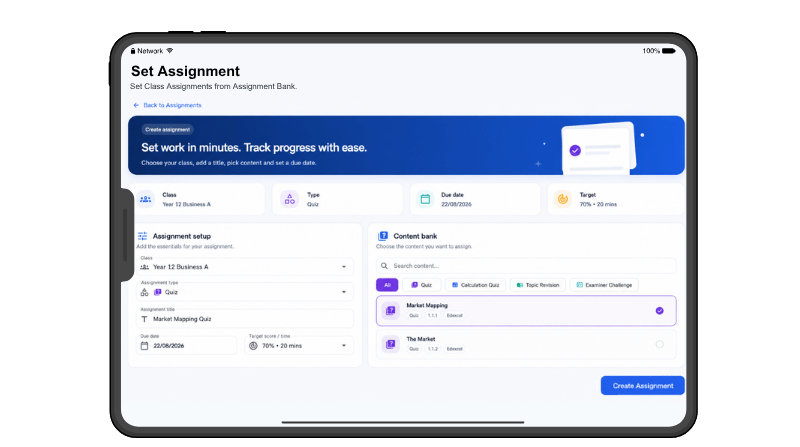
Choose the class, revision activity, due date and target.
The assignment is sent directly to students.
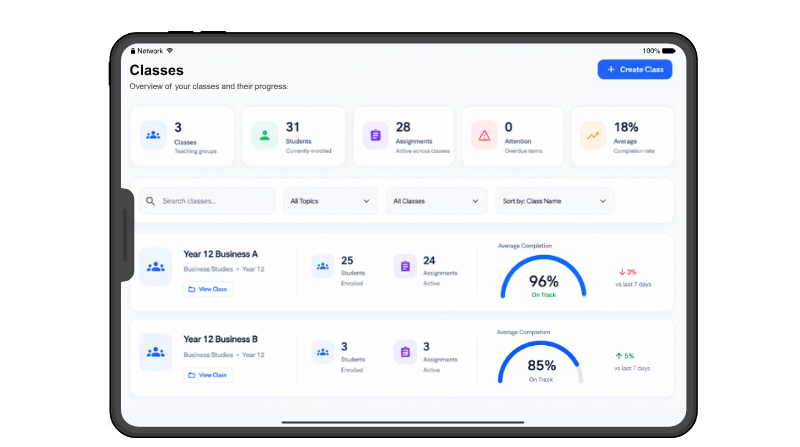
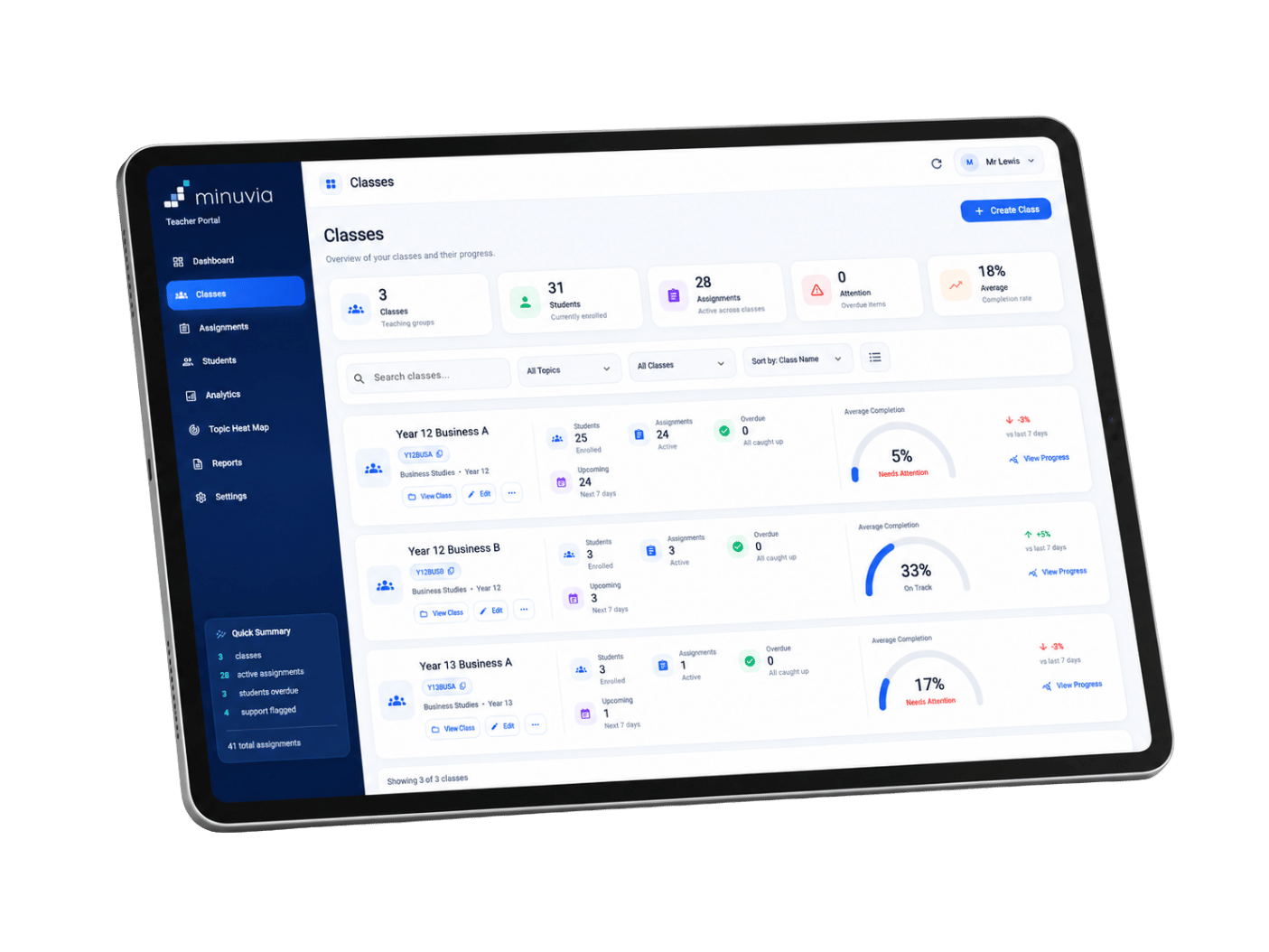
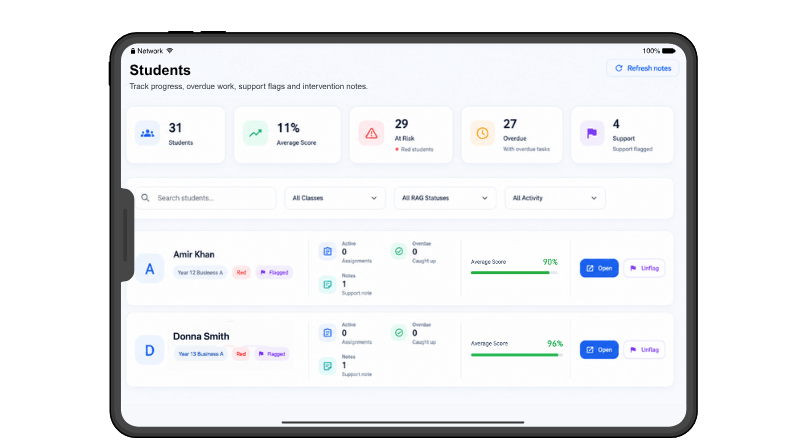
One clear view of your classes, assignments, completion and student performance.
Minuvia connects the revision students complete in the app with the information teachers actually need — helping you quickly see who is keeping up, who needs support and where the class may be struggling.
Minuvia connects the revision students complete in the app with the insights teachers need in the Teacher Portal.
Choose the class, revision activity, due date and target.
The assignment is sent directly to students.
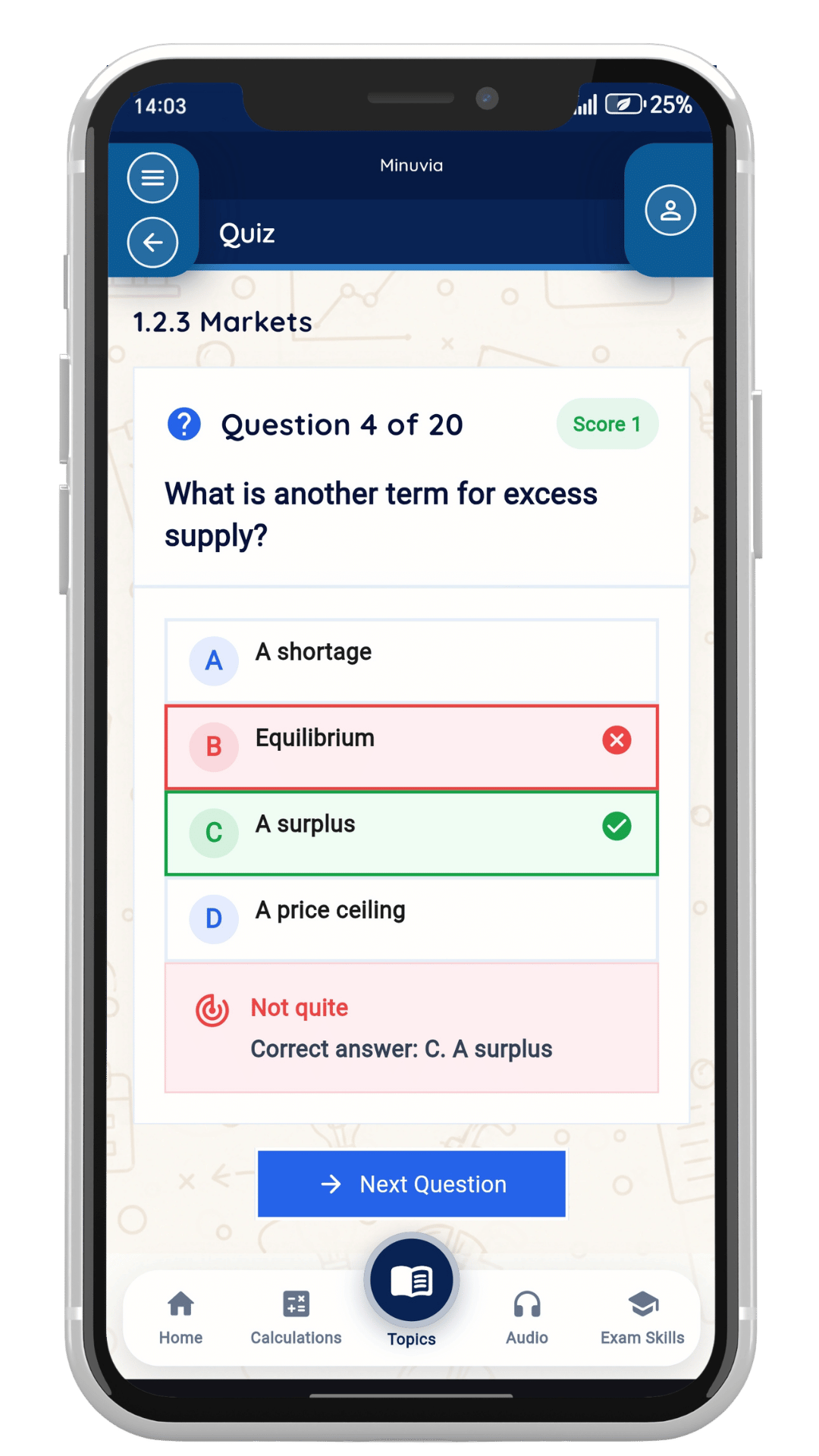
Students complete the activity independently on their phone.
Students revise and complete the activity in Minuvia.
Scores and progress are automatically added to the Teacher Portal.
Performance information becomes instantly available.
Monitor, identify gaps and support students at every level.
Identify individuals who need support.
Spot common knowledge gaps.
See wider trends across groups.
Provide support, reteach or set targeted revision.
Minuvia creates a continuous cycle of insight and impact, so every assignment leads to better outcomes.
Discover how Minuvia's teacher portal helps you plan, set, track and support every learner with confidence.
Swipe to explore
Get a clear overview of each class, student numbers, assignments and progress so you can quickly see how each teaching group is performing.
Less admin, clearer information and a direct route from student revision to targeted teacher intervention.
Choose the class, revision activity, due date and target, then assign it. There is no worksheet to create, file to upload or separate link to distribute.
Swipe to explore